



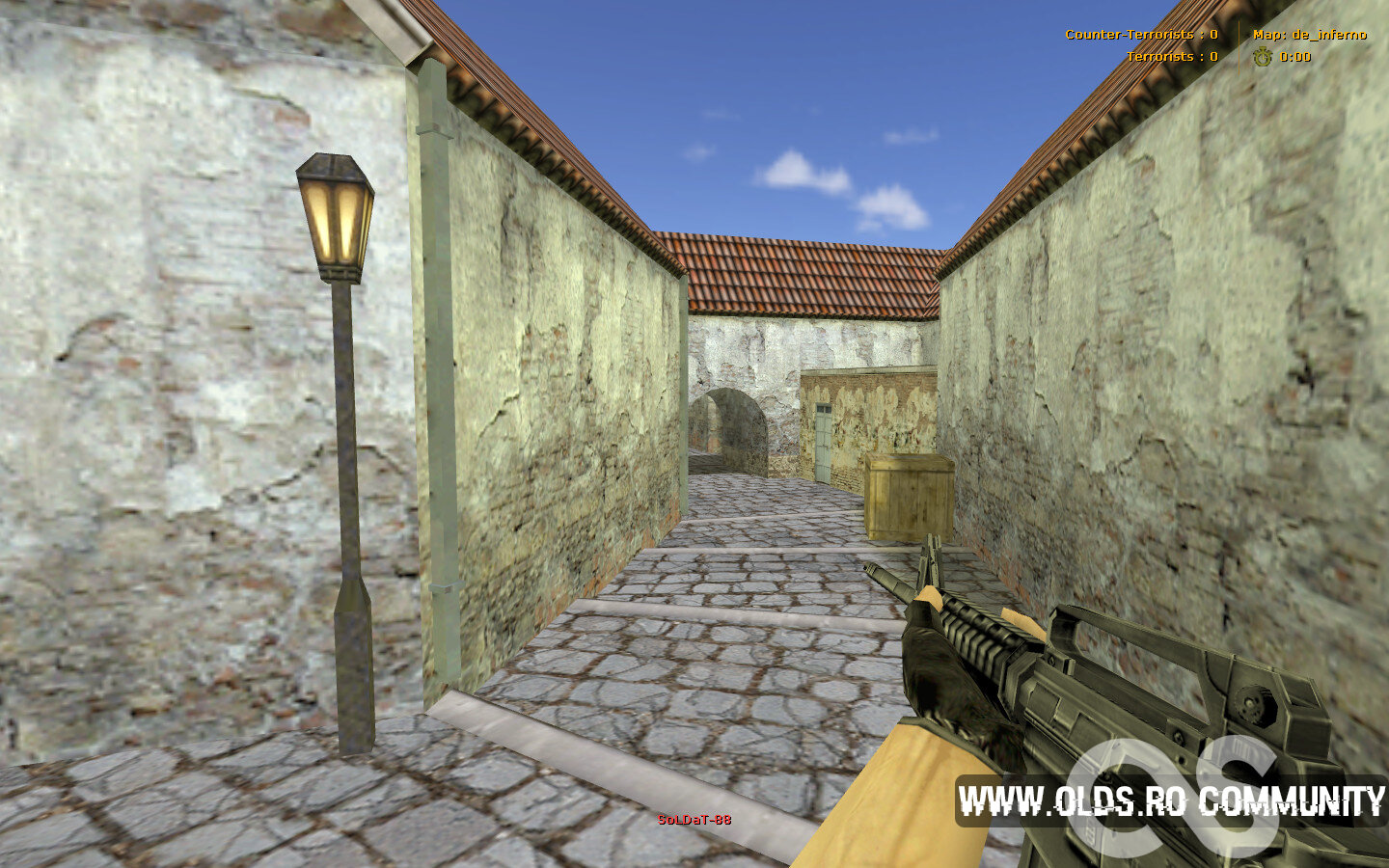
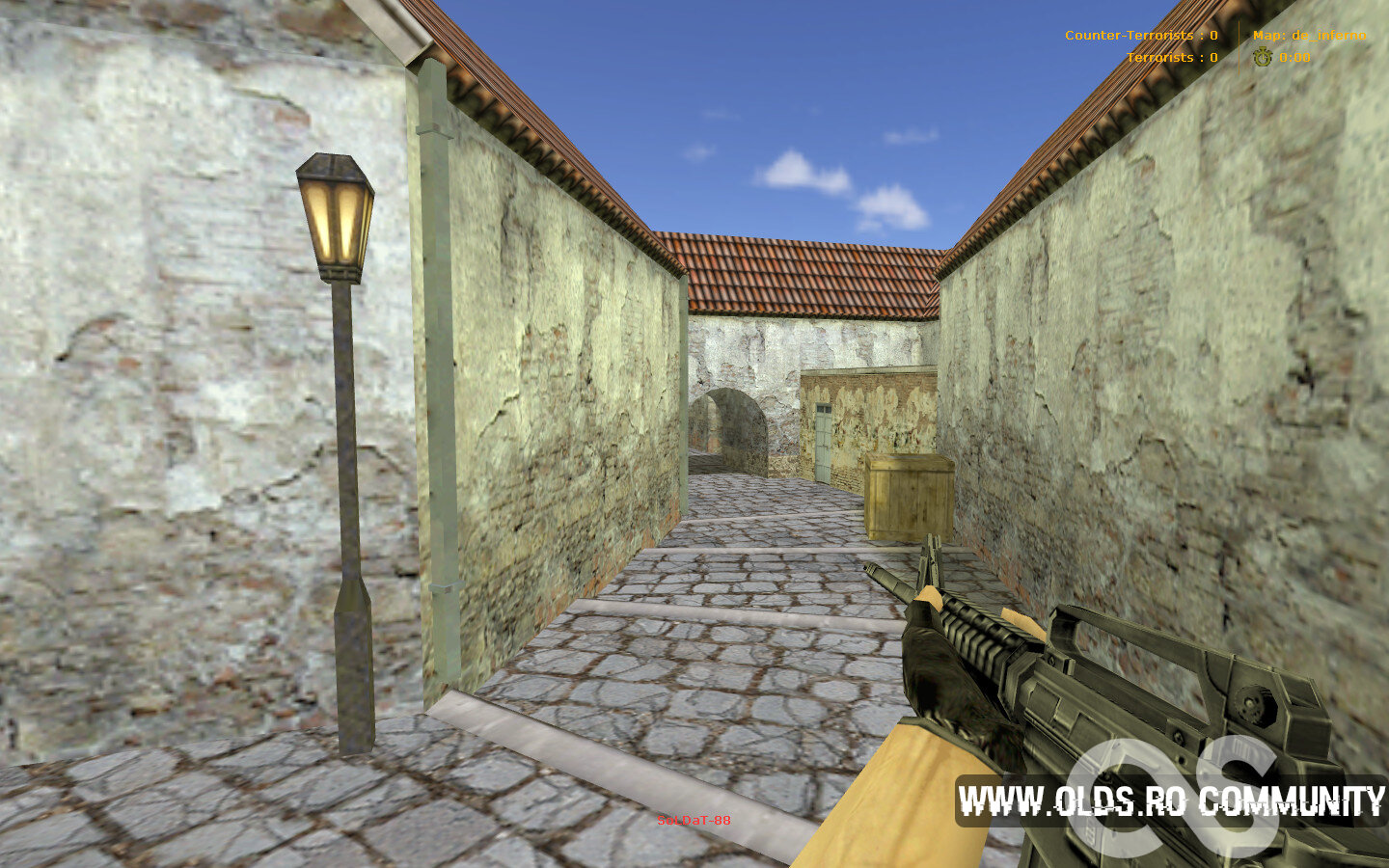
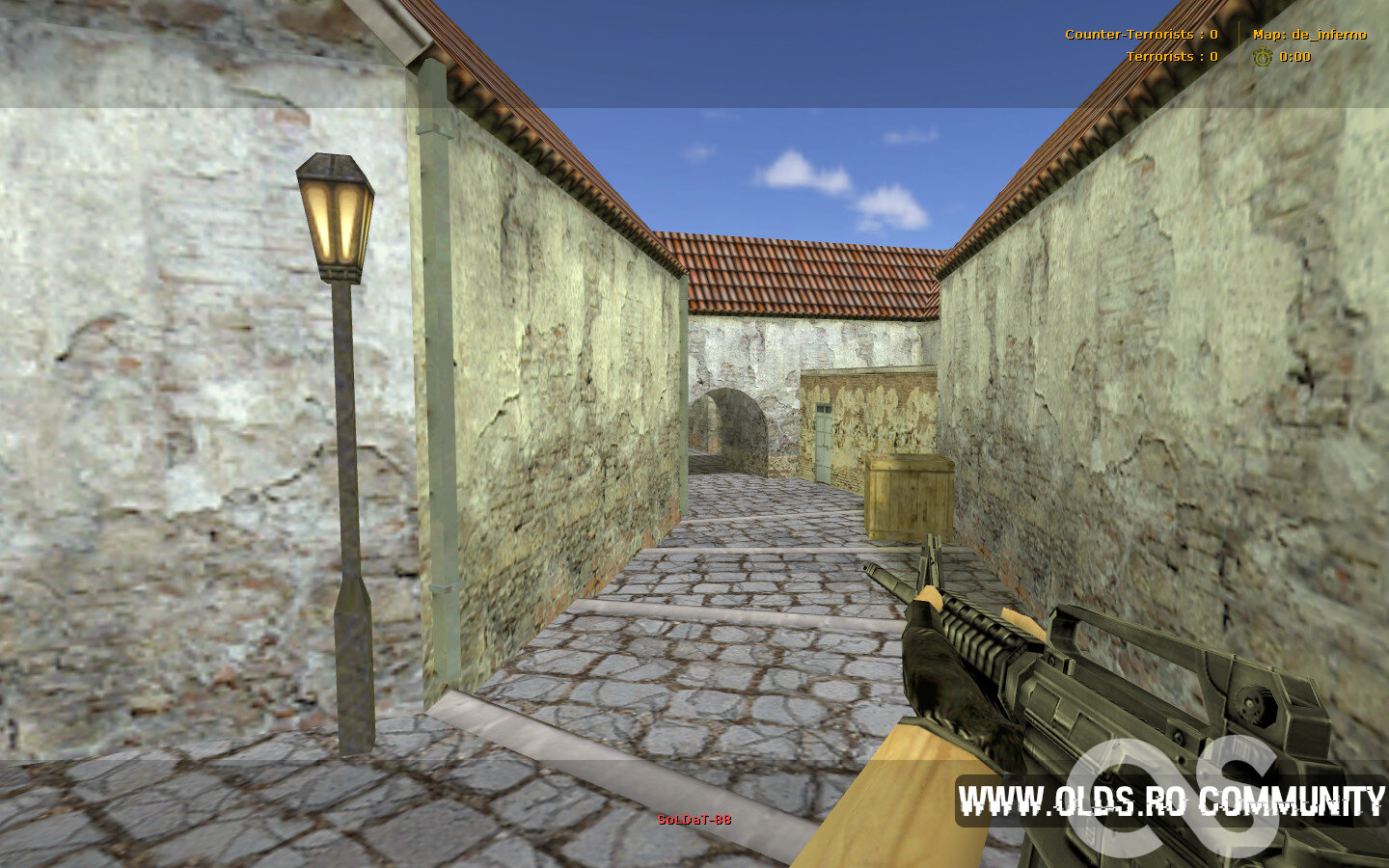
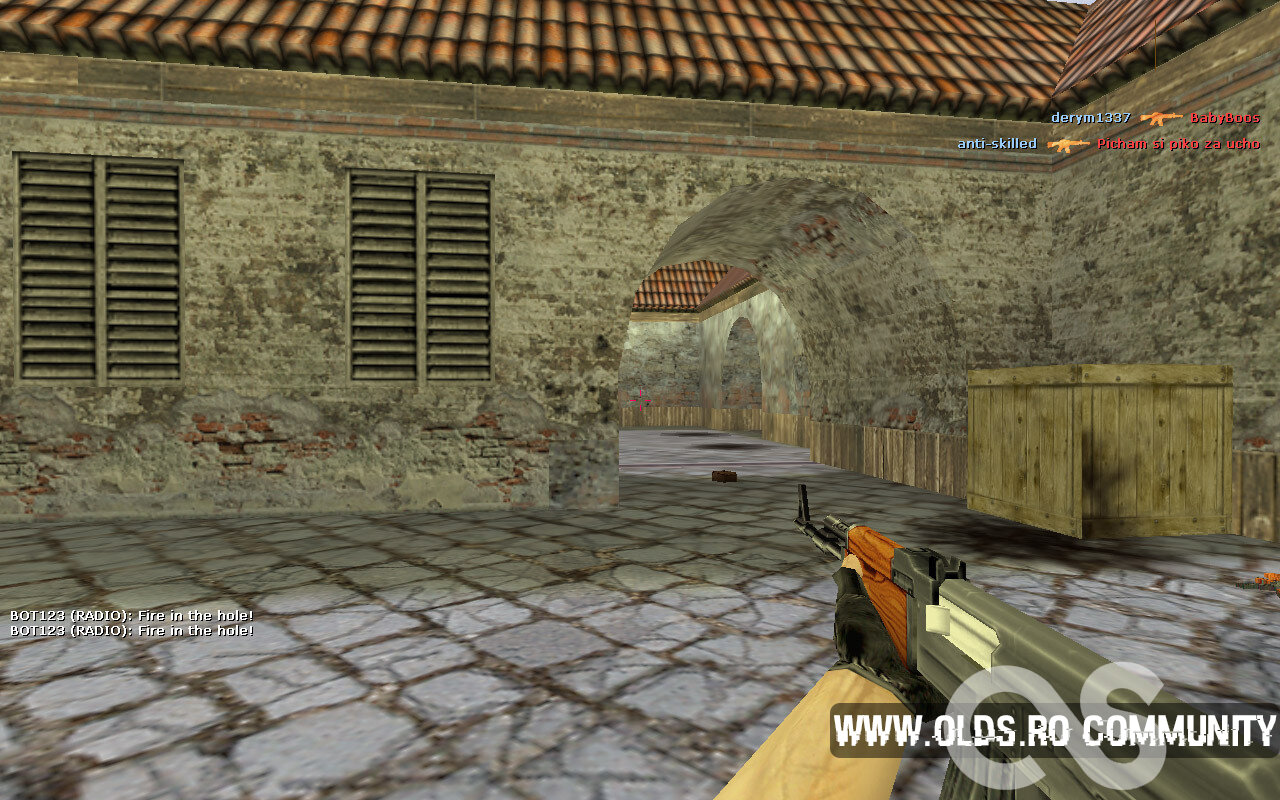
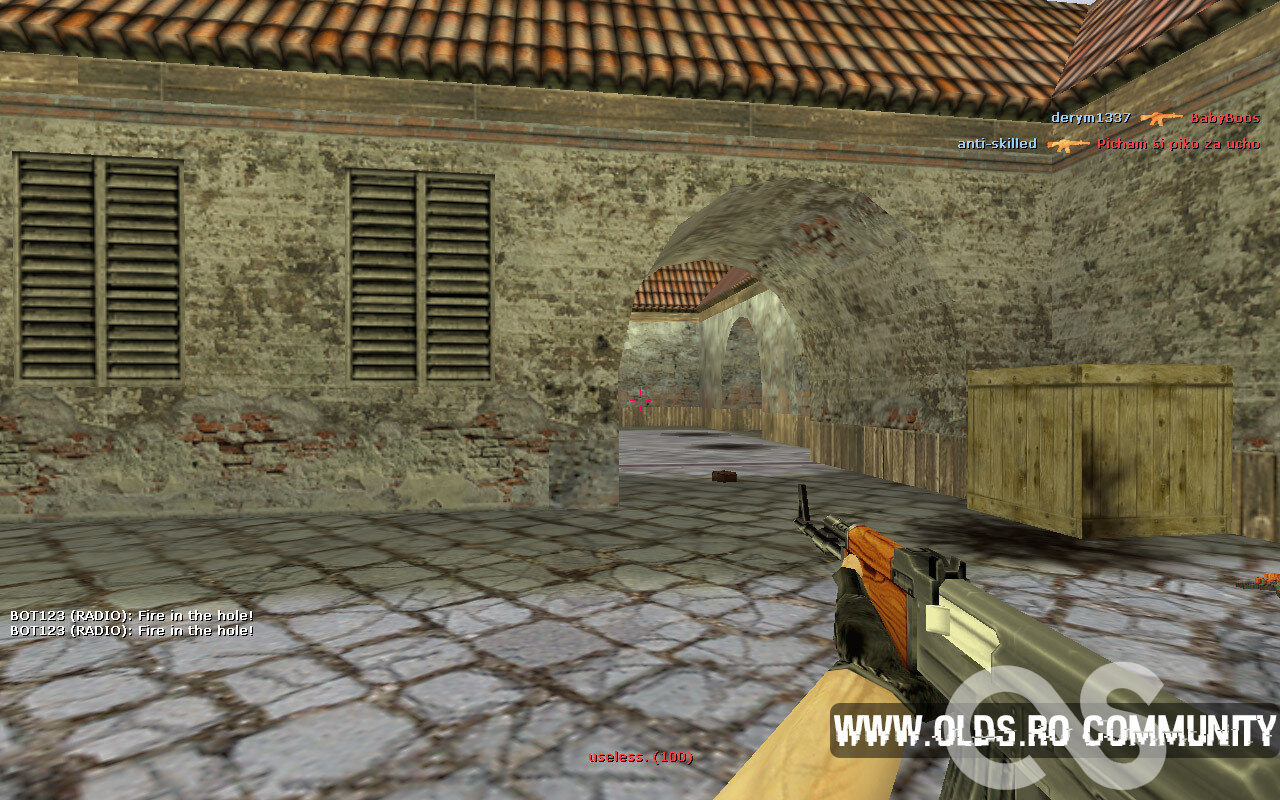
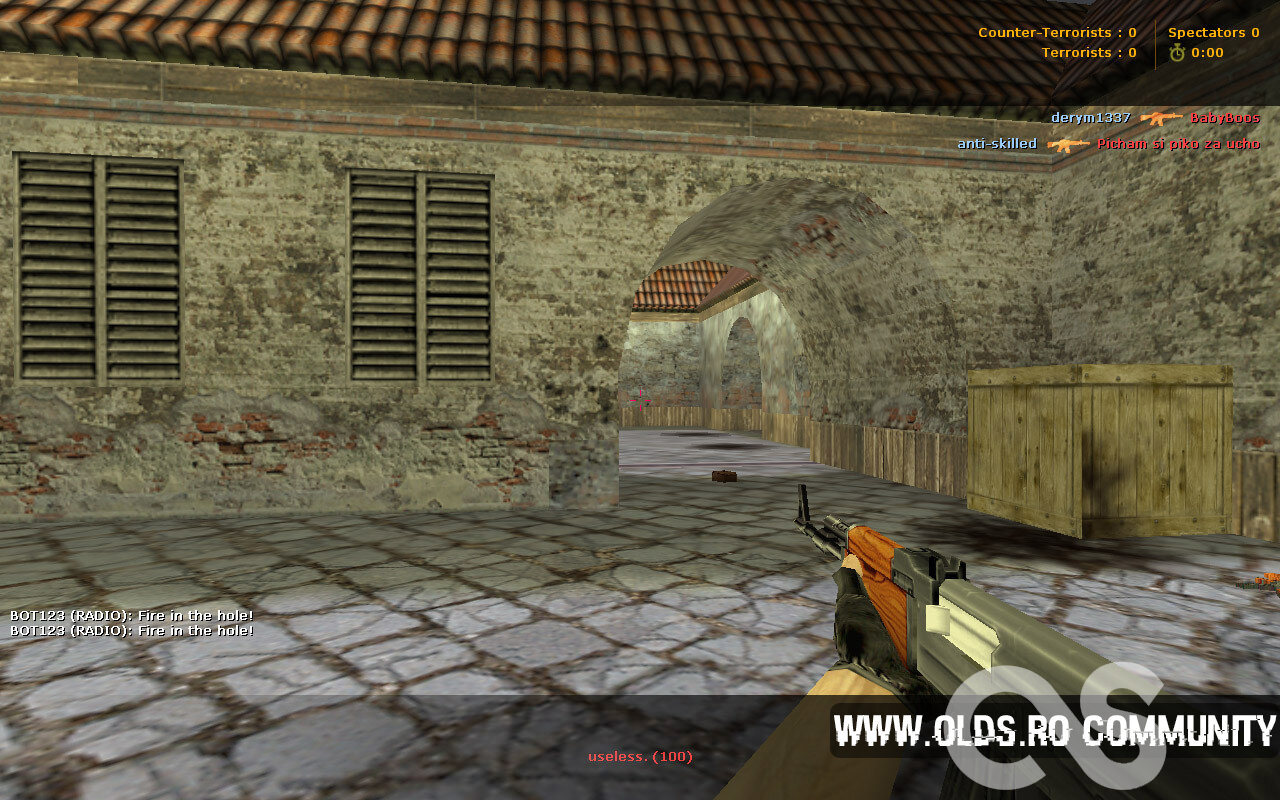
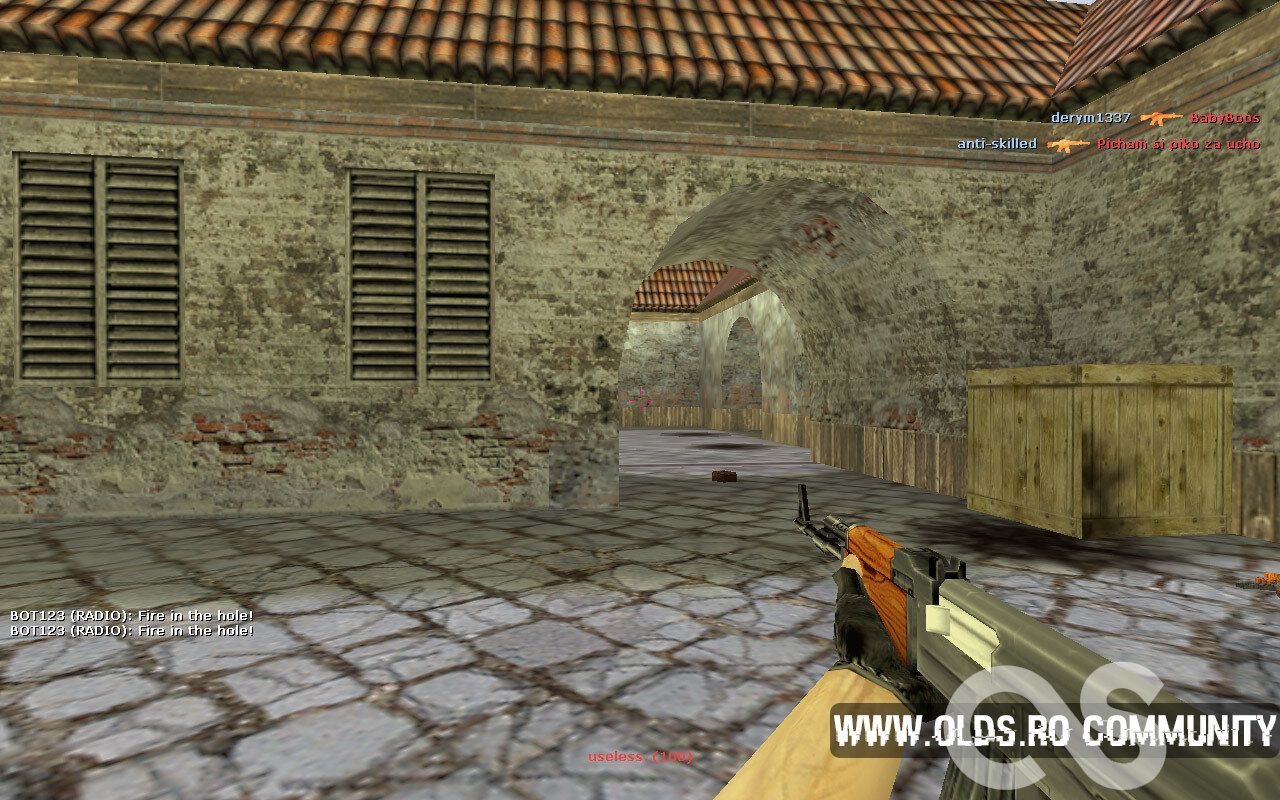
With this little modification, you can completely or partially remove your spectator UI. Trust me, this one actually works, even with the latest game build (from 2017).
I've made 3 versions for 3 different scenarios.
- One of them removes the UI completely,
- the other one keeps the name of the player you're following,
- and the final one only removes the black bars and allows you to customize their size and color (including transparency). Everything is explained inside the file.
Installation:
Open the downloaded file.
Copy Spectator.res into cstrike\resource\UI folder.
Extras:
You can add a shadow to all text, just add this, into your clientscheme.res right here.
If you're using my GUI, do this instead:
- Open your clientscheme.res
- Search for specPlayer (using Ctrl + F)
- Add a "dropshadow" "1" to each specPlayer font (like this)
[hide]Author: useless__
Source: Remove spectator UI (for real) [Counter-Strike 1.6] [Mods] (gamebanana.com)[/hide]
What's New in Version 01/27/23 10:36 PM
Released
Images
You may only provide a review once you have downloaded the file.
There are no reviews to display.